Create your profile
Open the builder and add your name or brand, avatar and profile details. Choose a background that fits your identity.
 AuraPops
Bring your most useful links, location and interactive content into one profile.
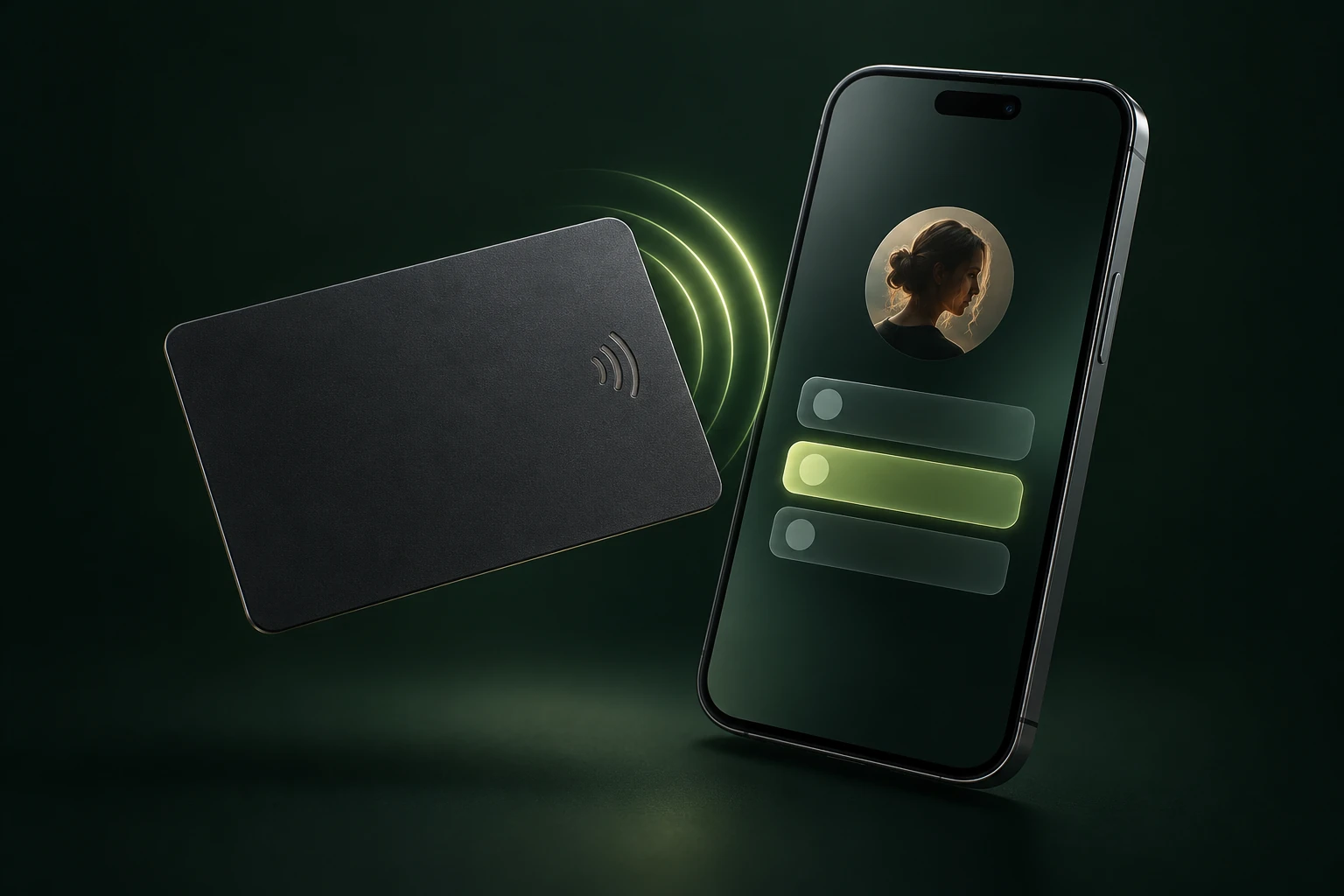
Open the builder and add your name or brand, avatar and profile details. Choose a background that fits your identity.
Add links for your menu, website, social channels or map. Choose the content you want visitors to find first and preview the result.
Submit your profile and follow the payment instructions. Your public profile becomes available after payment verification and AuraDigital approval.
Share your activated profile using its link or QR code. Sign in to your dashboard to manage your profile and check its activation status.
Start with the builder or talk to AuraDigital about a custom setup.